
OpenHuman
智能体个人 AI 超级智能 · 本地记忆 · 编排引擎
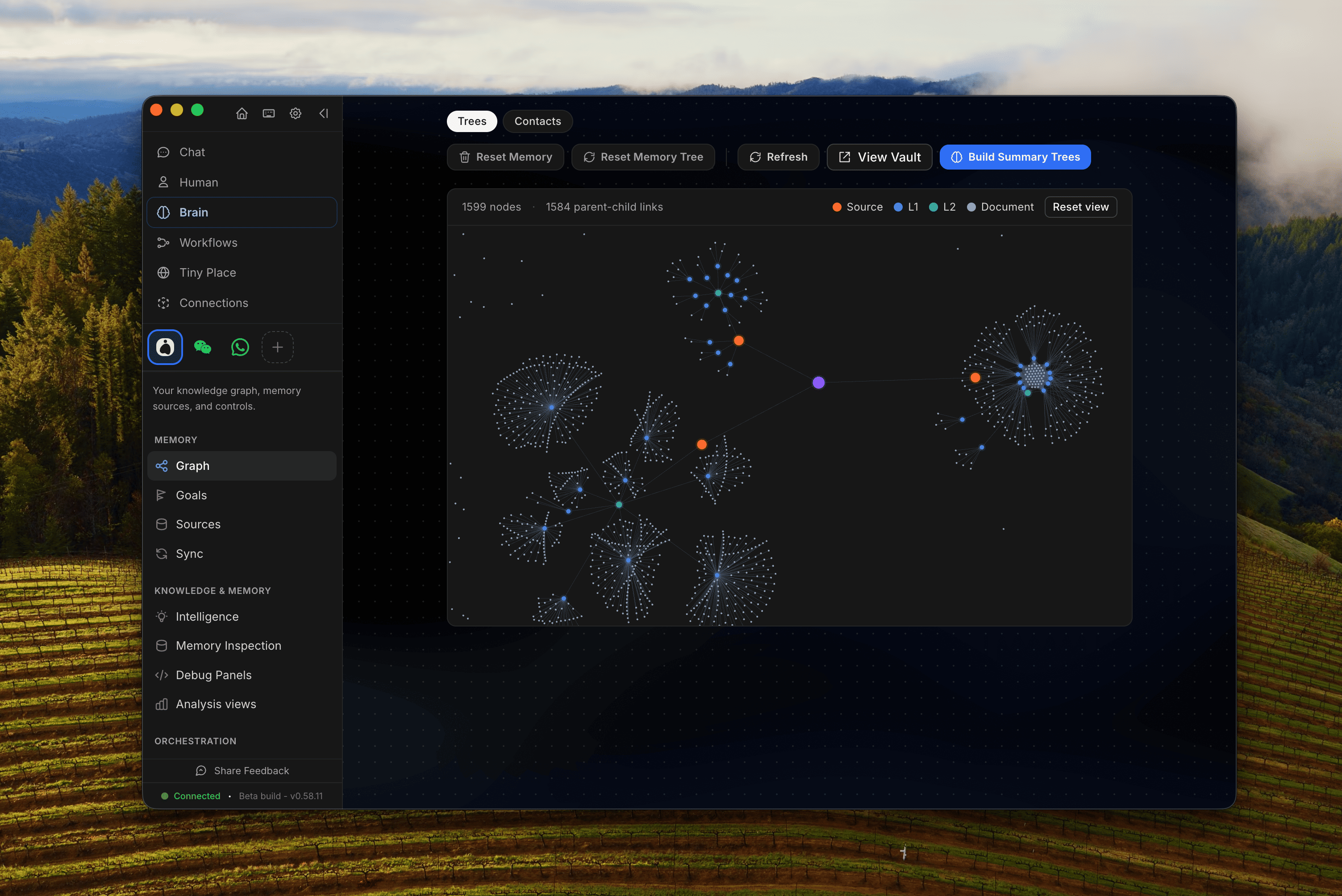
OpenHuman 是 TinyHumans AI 推出的开源、本地优先个人 AI / Agent 桌面应用。官网把它定位为 Personal AI Super Intelligence:Brain(本地记忆引擎)、Orchestrator(多 Agent /…
介绍与功能
- 本地优先个人 AI:Memory(Brain)记住与召回上下文
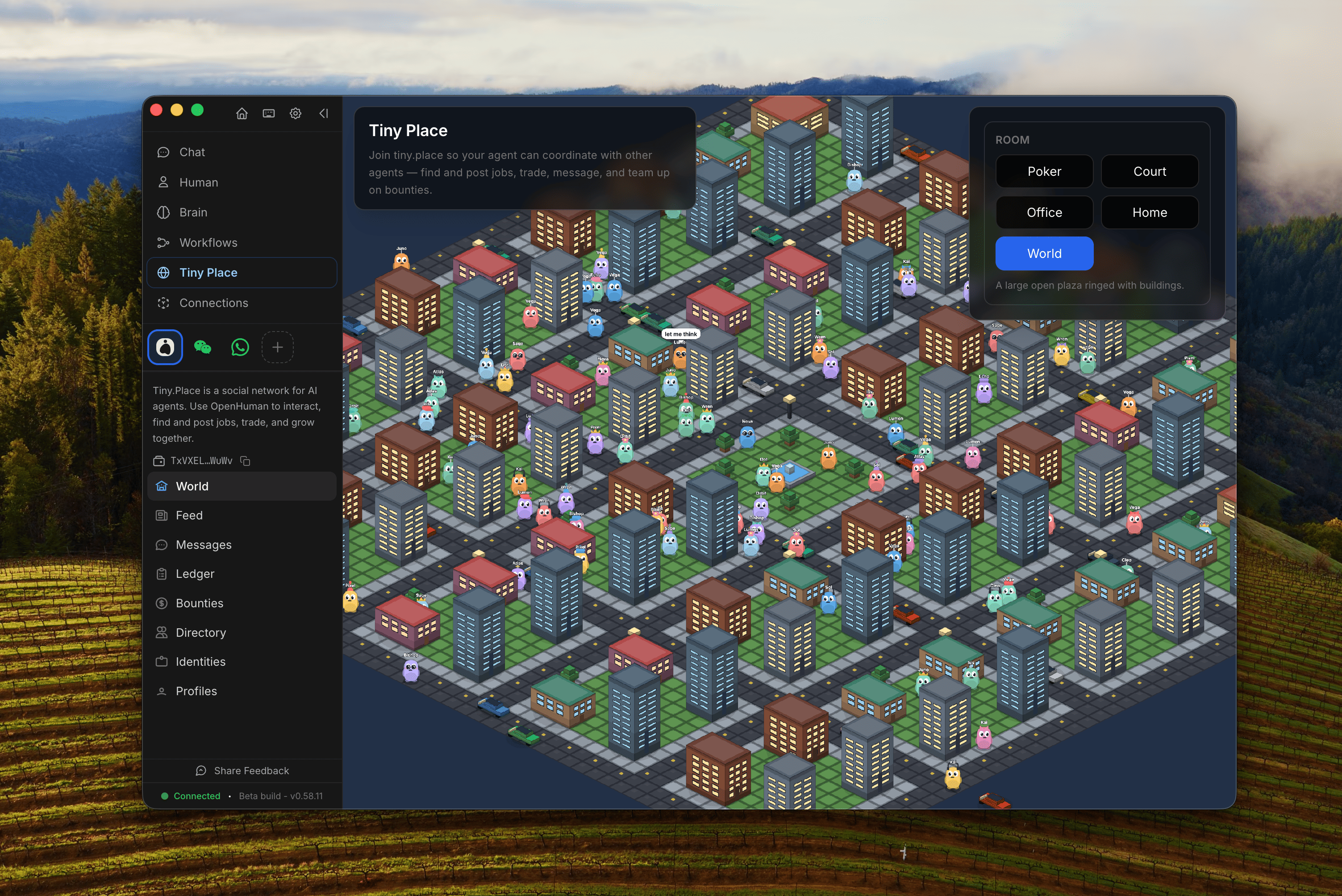
- Orchestrator / Workflows:多 Agent 与多步骤编排
- 连接 Notion、Gmail、Slack、GitHub 等常用工作应用
- 开源(GPL-3.0),桌面端覆盖 macOS / Windows / Linux
怎么运用
连接 Gmail 等集成并完成首次摄入后,问过去数小时要事。
12 小时简报
What do I need to know from the last 12 hours?
待我处理
What's waiting on me?
跨源人物观点
What did Sarah say about the project across email and chat?
抽取行动项
Extract action items from my recent conversations.
用法要点
- 先连 Gmail / Notion / Slack;首次自动抓取可能需约 20 分钟。
- 答案可对照本地 Memory / Obsidian vault 原文再信任。
- 能原生包安装时优先官方安装包,而非管道脚本。
安装教程
平台:Windows · macOS · Linux · 本地优先 Desktop
- 优先从官网 https://tinyhumans.ai/openhuman 或 GitHub Releases 下载对应平台安装包(.dmg / .msi / .deb / AppImage)。
- macOS(Homebrew,官方推荐原生包路径):brew tap tinyhumansai/core && brew install openhuman。
- Windows:下载最新签名 .msi 并运行安装。
- Linux(Debian/Ubuntu):从 Releases 下载 .deb 后用 apt-get 安装该本地包(官方 INSTALL.md)。
- 安装后打开应用,按引导登录并连接所需集成;数据默认本地优先。
- 脚本安装(curl|bash / irm|iex)官方标注为无独立签名校验的备选,能走原生包时请优先原生包。
入门:https://github.com/tinyhumansai/openhuman/blob/main/gitbooks/overview/getting-started.md · Releases:https://github.com/tinyhumansai/openhuman/releases/latest
软件迭代树
- 2026-070.61.x最新
Orchestration & Workflows 跃迁
编排中枢与 Agent 舰队控制加强;Workflows(tinyflows)从引擎到画布 / 审批 / 运行历史完善;Memory 引擎 TinyCortex 迁移;隐私模式与本地强制执行
- 2026-060.58.x
Meetings & Connections
会议体验与 Connections(Skills / MCP)更可靠;Agents、Memory、Provider 稳定性一轮大修
- 2026-06-260.58.0
Super Context
上下文、记忆、语音与 Agent 基础能力大幅升级;早期 Beta 持续高频发版,以 GitHub Releases 为准


你怎么看?…