
Cursor
开发工具面向工程师的 AI 编程代理与编辑器
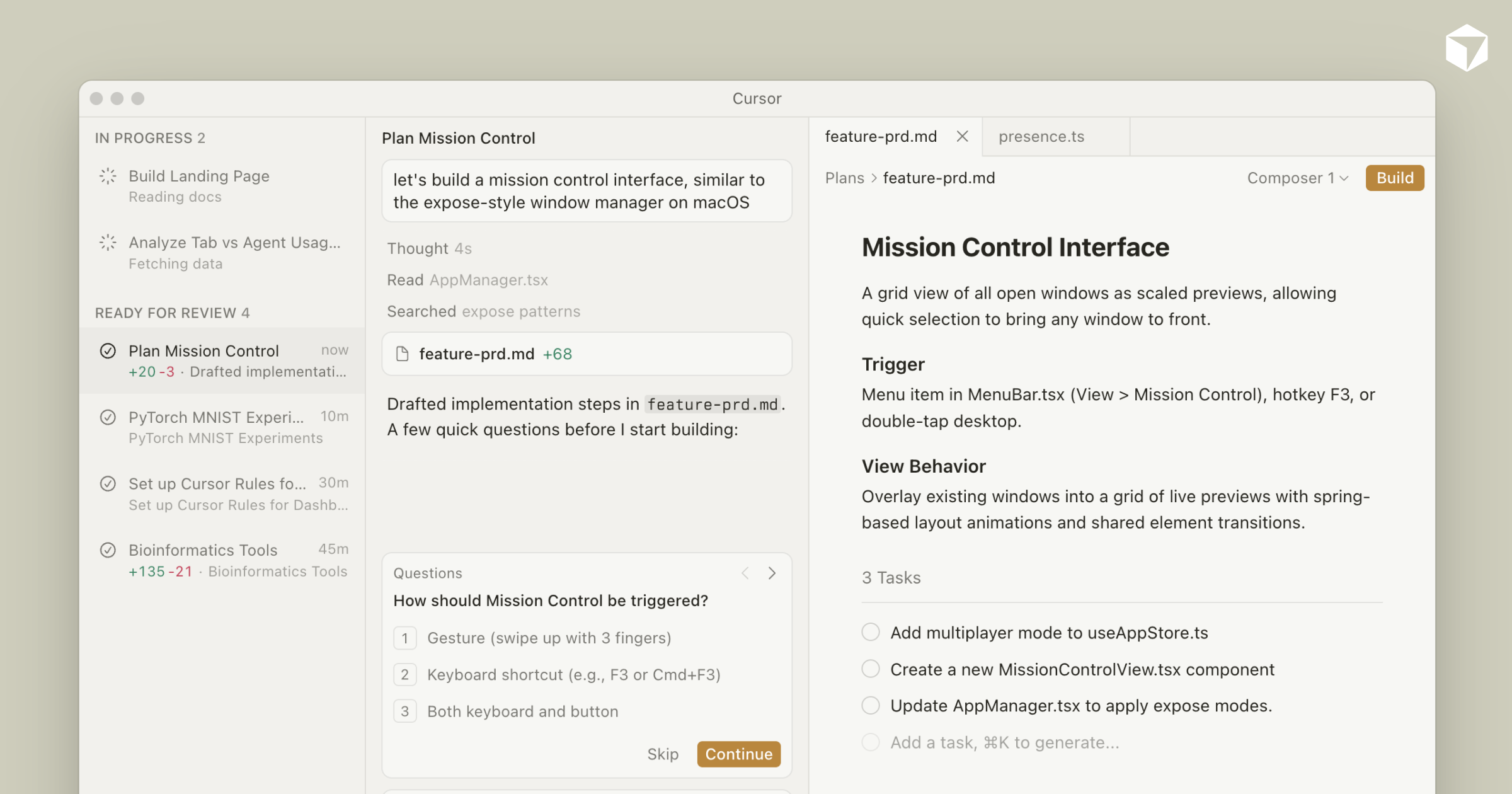
Cursor 是面向工程师的 AI 编程代理与代码编辑器。它把补全、多文件改写、Agent 任务与 GitHub / 终端 / Slack 协作收进同一工作流,适合已经把交付节奏押在「编辑器内闭环」的小队。官网:https://cursor.com/…
介绍与功能
- AI 代码编辑器:补全、多文件改写与 Agent 任务同屏完成
- Side chats / Agent 对话可并行,不打断主任务线程
- Cloud Agents:云端隔离环境跑任务,支持移动端 Remote Control
- Slack 集成:先出计划再执行,支持多仓库与跨频道上下文
- 插件 / Skills / MCP / Hooks 可按团队或工作区定制


怎么运用
用 Agent(Cmd/Ctrl+I)描述目标,让其自行搜索代码、改文件并跑命令验证。
加登录表单
Add a login form to the homepage with email and password fields.
带验收标准的任务
Task: Add rate limiting to the public API. Constraints: Do not change auth middleware. Done when: existing tests still pass and document the limit in README.
引用文件上下文
Refactor the checkout form in @components/CheckoutForm.tsx to match the validation pattern in @lib/validation.ts. Do not change pricing logic.
用法要点
- 用 @ 附加文件 / 文件夹 / Docs / Terminal / Git diff / Browser 上下文。
- 大功能先 Plan,再执行;卡住就新开对话清上下文。
- 项目规范写进 .cursor/rules 或 AGENTS.md,少在每次提示里重复。
安装教程
平台:Windows · macOS · Linux · Desktop
- 在 cursor.com 免费注册 Cursor 账号(官方安装指南要求先有账号)。
- 打开官方下载页 https://cursor.com/download ,按操作系统下载安装包。
- macOS:打开 .dmg,将 Cursor 拖入「应用程序」;Windows:运行安装程序并按提示完成;Linux:优先用 apt/dnf,或解压 AppImage/归档后运行。
- 从应用菜单启动 Cursor,按提示登录账号。
- 用「文件 → 打开文件夹」打开项目即可开始写代码。
可选:终端 CLI 见 https://cursor.com/docs/cli/installation (官方 curl/irm 安装命令)。
软件迭代树
- 2026-07-17最新
Slack Agent:先计划再执行
Slack 中的 Cursor 会先给出分步计划,再开始改代码;支持命名多仓库环境,可跨频道 / 线程读写上下文;任务中途可切换仓库并继续,消息呈现更紧凑
- 2026-07-103.11
Side chats 与对话搜索
用 /side、/btw 或加号开并行 side chat,不打断主 Agent;Agents Window 支持 Cmd+K 本地索引搜索历史 transcript;项目 / 仓库选择器重做;新增 cloud agent conversation hooks
- 2026-06-303.10
Team MCP 与组织组市场
管理员可配置 Team MCP 并分发到 IDE / CLI / Cloud Agents;Team Marketplace 可按组织组限制访问
- 2026-06-293.9
Cursor for iOS 公测
付费计划可从手机启动与管理 Cloud Agents;Remote Control:桌面任务可在手机继续指挥;Live Activities / 推送、Artifacts 与 PR 合并预览


你怎么看?…